




There are several good reasons to back up your personal files. In addition, it is also possible to save additional data or even the entire system. Besides that, it is demonstrated how to recover deleted files and what should be considered.
|
|
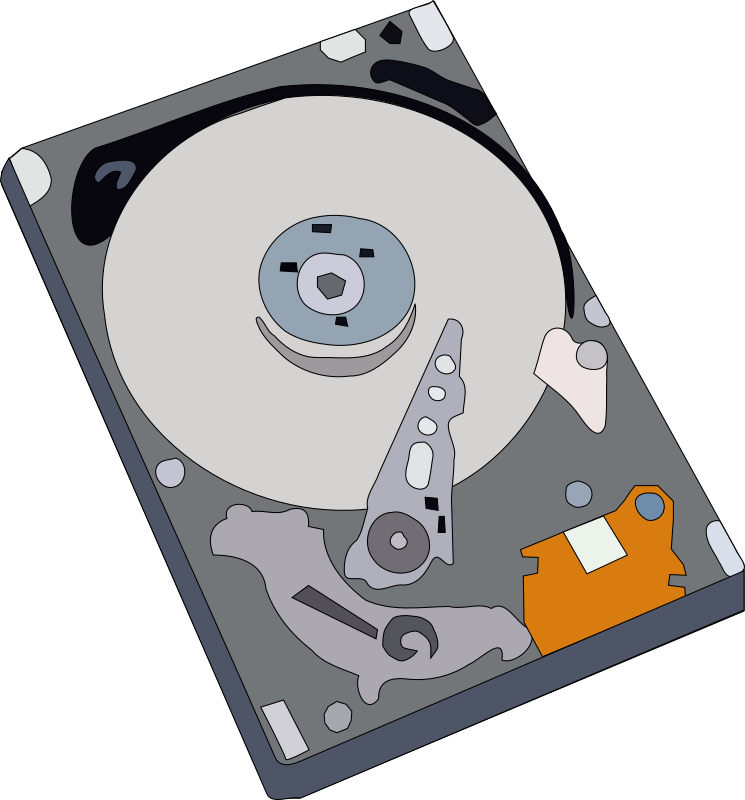
Often it happens surprisingly - the hard disk drive of your computer or other parts, like the motherboard, gets broken, or the mobile phone falls down.
Especially for laptops this may happen because we carry them around.
The hard disk drives consist of a fast rotating disk with a sensitive mechanism for storing and reading data.
But also a hacker might lock the access to your computer or to your personnel files by encrypting them. 
Therefore, it is handy to store your important files on another medium, like external hard disk drive, USB stick, DVD, or even save data using a cloud service.
| Back to start of text |
 |
Advantages of backups 
The most significant advantages of backups are:
● It allows you to restore lost or destroyed files, or even a complete system in a short time
● Backups may also save time and money
● It allows you to work with your files on different computers or use the files on different smartphones
For very important files, it is recommended to use two different kinds of backup media.
For all different types of backups, free software is available. Some are free for private use only.
| Back to start of text |
|
Various types of backups and their requirement
Let's start with the most important.
- Backup or synchronize your files and folders

Your private files or the content of your folders are saved. This kind of backup is quite fast and the programs are easy to use. Depending on your needs, you can preconfigure the backup procedure in some programs. Then you just need to connect to back up media, start the program and select the specified task to start the backup process.
If you use your files on different computers or change them on different kind of backup media, you can use the synchronization function for keeping your files up to date.
-
Requirements: Depending on the amount of data to save, DVD’s or USB sticks are needed. Or save your data in the cloud
Services are available on Windows and Linux computers, as well for certain data types on Android smartphones and tablets.
- Data Backup

With this backup type you can save not only your files but also other data, like installed software or system related files. You define what should be saved. It doesn't take much time to execute the backup. Usually only changed files are saved (incremental backup).
Normally, the programs don’t support restoring of an entire system.
-
Requirements: Depending on the amount of data to save, an external drive or USB sticks are needed. Or save your data in the cloud with the appropriate storage capacity
Services are available on Windows computers.
- System Backup of your computer

Making a complete backup of your system will allow you also to restore your complete computer software including the operating system. Programs for this kind of backup are provided for Windows computers.
To execute a backup of the complete computer takes quite some time and require some more efforts.
The advantage here is, you can restore your computer even in case the hard disk drive was changed.
-
Requirements: An external disk drive with enough storage capacity for saving the complete system software
| Back to start of text |
|
Backup important data of your Android smartphone 
Also, your smartphone might get lost or broken. Or you want to use some of your private files, like photos, on another device. Then it is handy if you have a copy of your personal data.
Save your photos and call data from your Android smartphone on another device.
-
Requirements: Depending on the amount of data to save, an external drive, SD card, or USB stick is needed. Or save your data in the cloud with the appropriate storage capacity
Services are provided for Android phones.
| Back to start of text |
|
Protect your data when saving to the cloud 
In case you want to backup your files on a separate place, the cloud would be another option. The cloud is a virtual storage service that allows you to save files online. Think of the cloud storage as just another hard disc drive, except that it’s only reachable online. The location of the servers where your data is stored, might be anywhere on the world.
You can access your files whenever you have access to the Internet. Often several device types oare supported to access your data. Therefore, you can use your files on a Windows computer or Android phone.
If you want to reliably protect your files in the cloud from other people's eyes, good end-to-end encryption is recommended.
Cryptomator is a suitable program for this purpose. Cryptomator already encrypts your data on your PC or smartphone and only loads it into the cloud afterwards. The files are also stored encrypted on your PC. 
More information at: https://cryptomator.org/. The program is free open source for Windows 10, Linux, macOS and commercial apps for Android and iOS.
Cloud storage service providers in Europe
Because your data could be stored anywhere on the world, the operator must apply to laws of the country where the servers are located. Depending on the legislation, the operator may be ordered to provide information about its customers and perhaps their data.
Following you find a list with cloud storage vendors that will store your data in Europe. Many vendors offer limited free storage space and several provide additionally encryption functionality.
- https://www.pcloud.com/eu Located in Switzerland; 10GB free storage
- https://www.jottacloud.com/ Headquartered in Norway; 5GB free storage
- https://degoo.com/ Country of Origin: Sweden; 20GB free storage
Services are offered on Windows and Linux computers.
| Back to start of text |
|
Recover deleted files on Windows computers and Android phones or tablets 
Under certain circumstances it is possible to recover deleted files. If you have deleted a file, it is not immediately deleted, it is just marked for deletion. This means the file still exists, but the space is vacant for overwriting with a new file.
 When you consider the following, you can improve the chances for a successful recovery.
Avoid installing any additional software on your computer, phone and tablet. Don’t save any files on the hard disk or on the phone or tablet memory.
If you have already a program for recovering files installed, run this immediately.
Recover deleted files on Windows computers
In case you don’t have a recovery program installed, get a portable version of a recovery program and run it from a USB stick. Remember, to use another computer for downloading and copying the recovery program to a USB stick.
Recover deleted files on Android phones or tablets
The types of files that are possible to recover depend on if you have a rooted or not rooted smartphone. When you buy a new smartphone, it is not rooted.
For a successful recovery, the before mentioned hints also apply here.
On not rooted Android devices it is possible to recover only photos. On rooted smartphones you can also recover videos.
Services are offered on Windows computers and Android phones or tablets
| Back to start of text |
|