

Following, you will find a brief description of vital elements of the Internet.
For easier understanding of this training, a recommended prerequisite is: Get familiar with the basic Internet related terms
|
Back to: Get familiar with the basics of the Internet Back to: Potential dangers on the Internet |
 |
How the Internet has started and the principal structure today
The Internet started in a relatively simple form. In the beginning there were just two computers. 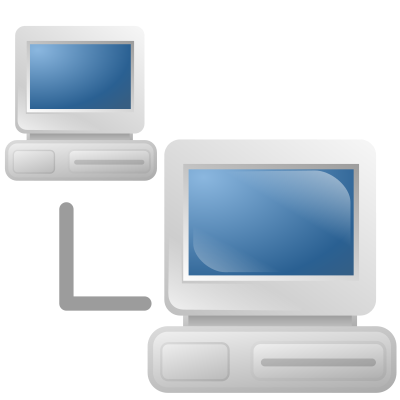
In 1969, ARPAnet in the USA delivered its first message in a “node-to-node” communication.
Since then, the Internet has grown a lot. In addition, new services have been developed that attracted more and more people.
At present, it is a worldwide collection of big and small networks. 
Because the worldwide web consists of many distributed networks, a message can reach the destination using several ways.
Therefore, the failure of individual networks does not lead to the total collapse of the Internet. The data exchange is then redirected via other networks.
What is an IP address, why it is needed and what does it tell others
A Internet Protocol address (IP address) is a numerical identification assigned to each device connected to a computer  network that uses the Internet Protocol for communication. For example, this applies equally to a printer, if it is operated over a network.
Two versions of IP addresses are currently in use:
-
IPv4: 127.77.254.9 or 201.110.109.220
-
IPv6: 2001:db8:0:1234:0:567:8:1
The IPv6 was invented because we are running out of IP addresses in version 4. 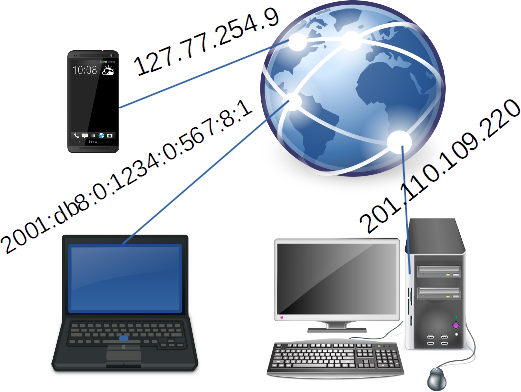
IP addresses are typically provided by Internet service providers (ISP). An IP address fulfils two main functions: device identification and location addressing.
Pairing of IP address to a geographical location is the method used to provide geolocation data. There are times when a content provider wants to identify where the web visitors are located. Sometimes the content is then available only for users at a certain location.
As soon as you visit websites, the following information can be collected: 
- your IP address with your location and service provider (ISP)
- certain details about the used operating system and browser
Converting names of websites into IP addresses (DNS)
Because every device on the Internet is identified by an IP address, it would be extremely embarrassing to enter this long IP address to access a website. That’s why we use names instead.
Fortunately, there is the Domain Name Service (DNS) running in the background, that looks for the corresponding IP address  for a given name. This service works in principle the same way than the old phone book or the contact app on the smartphone.
To speed up the service, parts of the domain name data is locally stored on your device.
By default, the Domain Name Service comes with your Internet Service Provider (ISP).
The DNS is crucial to get the right web sites. A few vendors offer a more secure DNS where malicious sites or websites with inappropriate content are automatically blocked.
Purpose of the device for accessing the Internet at our home
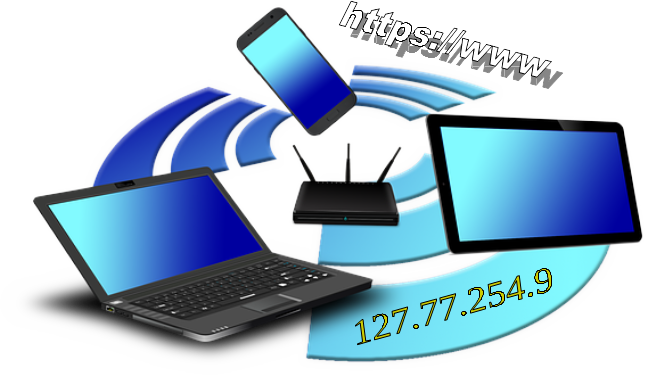
The router at our home opens the door to the Internet. 
Usually, the router is provided by the Internet service provider.
Key functions of the router 
With this, you have your own small network at your home.
A few notes what to consider when opening a website
For accessing a web page, we enter a known name in the browser, like espoo.fi or http://www.espoo.fi. In any case, the browser will automatically add http. 
HTTP stands for "Hyper Text Transfer Protocol". It is a standard protocol used to transmit data over the Internet.
To connect to a server, the web address entered is converted to the corresponding IP address via DNS.
 Unluckily, this protocol is not secured. Hackers may read or manipulate the content during transfer over the Internet.
Therefore, HTTPS (Hyper Text Transfer Protocol Secure) is presently used more and more. With HTTPS the data is transmitted encrypted. 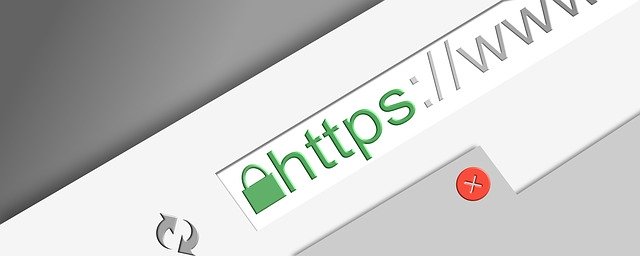
How to see if the data transfer on a website is secured
When ever using web pages where sensitive information needs to be entered, like at online banking, make sure the HTTPS protocol is utilized.
You can see if the data transfer of the website is secured. Check if there is a lock symbol at the beginning of the website’s address in the address bar of the browser. 
By clicking on the lock icon, more information is shown.
| Back to start of text |
Back to: Get familiar with the basics of the Internet Back to: Potential dangers on the Internet |
|